Photo editing is one of the common needs of the present time. This is why we are here with the best free photo editors for Mac that you can check out in 2022.
Every now and then we feel a need to tweak and perfect our photos before posting them on social media or keep them on our laptop, mobile phone, or other storage devices. The same goes for our Apple Mac machines.
Depending on the nature of your work, whether you are a general user or a professional in the field, there are many options for you to choose from a long list. The choice depends solely on your requirement and the amount you want to pay.
Best Free Photo Editors for Mac
In this article, we will focus on the tools that are free for you to use. The free software has limited options when it comes to moving around in the app and the amount of work you want to do on your image.
Free software usually has limitations. Some of the paid software offers a non-premium version that you can use for basic editing work, but for advanced, it will only be usable after the payment.
So let’s explore what features are offered in the free photo editors that are specially designed for Mac machines all with the help of https://downloadpipe.com/.
Apple Photos and Preview
The first tool we want to introduce to you is the easiest to get and specially designed to work with your Apple machine. The only downside, the options here are limited and you cannot do professional work on it.
It is totally free and you will get it as the default tool on your Apple computer. You can think of it as an image management tool, rather than an editor in the true sense.
Nevertheless, you can carry out simple corrections and revisions to your pictures. These include the options to crop, rotate, resize, and color adjustment, brightness management, and filter application.
While in the software, you can opt for the one-click enhancer. It will automatically improve the image to the best possible form with just one tap.
On the Apple Photos and Preview tool, you get access to 5GB of cloud space for free. The application can be synced across multiple devices. Additionally, you have the Preview tool that can do a lot similar including texts and shapes.
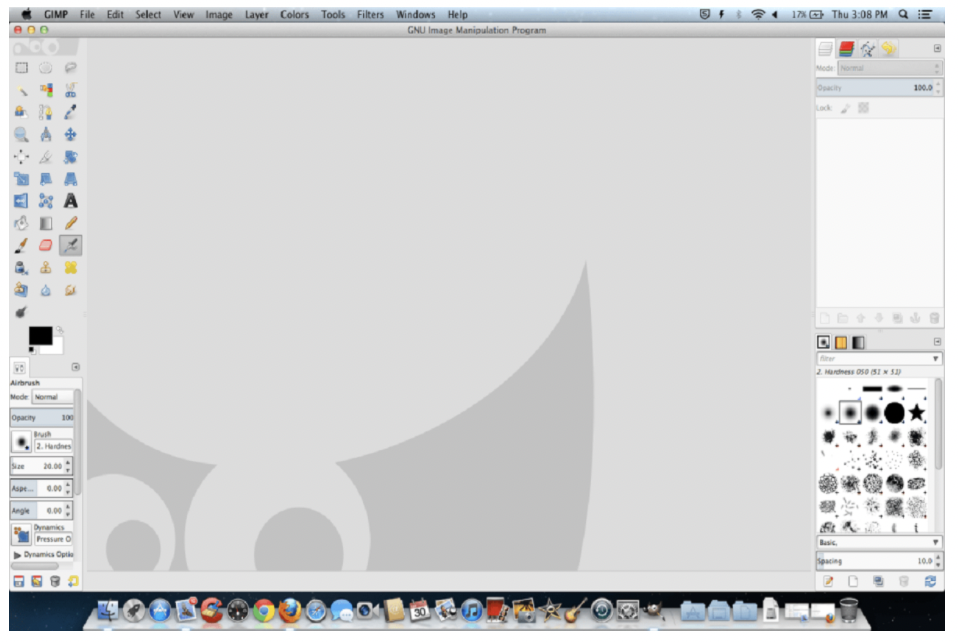
GIMP
All great photo editors ask you to spend money before offering you the services, but not the software we know as GIMP.
This is due to the open-source nature of the tool. People call it the free alternative to Photoshop and truly so. The tools, options, and features provided here are only available for subscription elsewhere.
When you improve it with the addition of third-party plugins, you get an enhanced functionality that can give you a swift workflow.
At the same time, you might find it a bit intimidating if you have no previous experience with it, moreover, there is a paucity of tutorials for how it works. This makes GIMP a technical tool.
But if you are willing to invest your time, it is worth using software and you can achieve a lot with it.
Fotor (Basic)
If you are finding Apple Photo and Preview too primitive and GIMP more technical, the tool named Fotor is just for you to have it.
With basic functionality and an image-editing option, you will love this app. With a simple interface for you that eases the sense of a new user, yet gives a great room to move around and do patch-ups to your images on the go.
Fotor can be installed on multiple devices and comes with all the essential editing features that you can expect from an app made for the purpose. This includes contrast, color, sharpness, and saturation adjustment among others.
Add filters or enhance facial features with the portrait retouching options. There is a separate list of design options that let you insert borders, text, and stickers; add collages, posters, graphics, flyers, and more.
Use your own creativity, or opt for the pre-designed templates from the tool to do the work and achieve the dreamed result. It is all up to you with Fotor on your device.
PhotoScape X
The last one in the list of best and free software for image editing is PhotoScape X. If you want to improve, adjust, and enhance your image, this is just made for that.
It has a long list of filters and image effects. Using these you can create awesome artistic results in your photos and images. Here you can get for free hundreds of patterns and frames to produce graphics, make a collage, and use a cut tool to get a portion of the image for other uses.
Additionally, you can create GIFs in this app for free. That too with ease and with the use of simple options.
Conclusion
Here we listed for you the best free photo editors for Mac. If you are looking to get one in the year 2022 that comes with no price tag and does all the basic work, just pick one from the list given here and you will be covered.