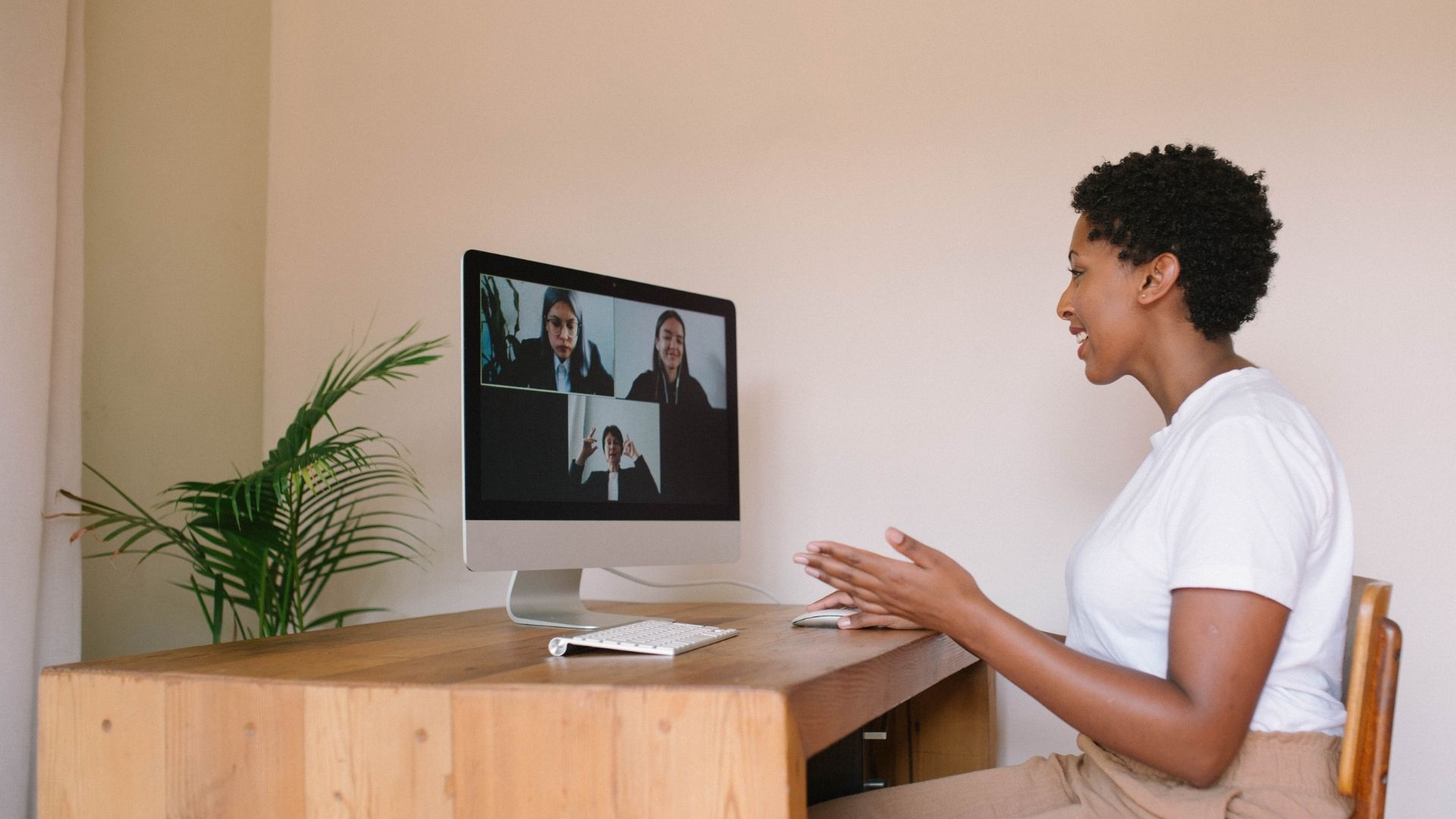
If you’re like most people, you’ve never been interviewed via Zoom before. And unless you’re a tech guru, you might be feeling a little overwhelmed at the thought of conducting an interview over Zoom. But don’t worry – we’re here to help! In this blog post, we’ll share some tips on how to prepare for and conduct successful Zoom interviews. These days, it’s likely that most of the interviews you take part in as an interviewer or interviewee are going to be on zoom, so it’s good to be prepared for these remote interviews as much as you can be. There are many technical difficulties that can arise, but all are solvable in a professional and calm manner regardless of your experience with technology. So whether you’re the interviewer or the interviewee, read on for tips that will help make your Zoom interview a success!
Eliminate Extraneous Noise, and Know Where the Mute Button is
The first thing you should do is eliminate all outside noise from the space you’re taking the interview in. “Aside from general interview etiquette, zoom interviews have the added complication of understanding how the tool works to effectively hear and respond to the questions you’re asked. Be aware of the level of ambient noise in your environment, as zoom will compress the audio to prioritize the loudest signal. Make sure your space is relatively quiet and isolated during your interview so you can keep interruptions to a minimum and maintain the flow of the conversation,” said Michael Fischer, Founder of EliteHRT.
Additionally, make sure that you know where the mute button is. Isaiah Henry, CEO of Seabreeze Management said, “The mute button is your friend in remote interviews. When you are in a meeting with multiple people, it’s generally considered polite to mute yourself so that even small noises don’t take up bandwidth on your zoom feed. These things, while small details, can have a big impact on how the interview goes. If there are repetitive instances of your microphone picking up distracting noise like keyboard typing or drinking water, it can have a negative impact on your professionalism.”
Close Applications and Silence Your Devices
Open applications on your computer can easily push notifications through and disrupt your call. “Make sure all other applications that might make noise or take focus away from your responses in the interview are off. And double check before the meeting starts. The last thing you want is a sudden facetime call or unwanted communications from another party disrupting your interview. It makes you look unprepared, and can be frustrating for interviewers,” said Dr. Payal Gupta, Founder of Cleared.
You should also make sure that your mobile devices are silenced to prevent any unwanted noise or notifications. “Silence your phone and all other notifications during your interview call. I can’t stress enough how distracting it is to hear little chimes and bells coming through from other applications, or worse having a loud ringtone disrupt an important part of the interview process,” believes Alan Ahdoot, Founder and Partner of Adamson Ahdoot Law.
Don’t Join From a Mobile Device
It might seem ok to join the interview from your phone, but you should always join an interview from a computer. “This should go without saying, but make sure you are on a laptop or computer. Joining a zoom meeting from a phone might be acceptable now and then for quick check-ins, but for a zoom interview it’s essential that you both look professional by having an office setup and maintain as much control over the meeting controls as possible. Mobile zoom meetings have limited options for controlling parameters, and only allow your face to be seen while in camera view,” said Russell Lieberman, Founder & CEO of Altan Insights.
When joining from a computer, make sure your camera is oriented toward your face and not at an odd angle. “Maintain eye contact by looking directly into the camera during your zoom call. Some people like to have multiple monitor setups for big workflows, and that’s totally fine, but sometimes the result is that you might be looking at a screen that is oriented differently than your camera. Simplify your set up and make sure you are facing directly into the camera and have the ability to make eye contact with your interviewer,” said Jim Beard, COO of Box Genie.
Coordinate With Your Household and Check Your Connection
If you live with others, roommates or family, make sure they know what you have scheduled during the interview time. “Make sure you coordinate with others in your household so they know you have an important interview coming up. That way you can rest assured that the importance of that time block is respected and you are able to make the space you need to take the call. This might be designating a specific room where you can close the door if you know that others will be home that day,” said Michelle Arnau, CEO of Rowan for Dogs.
Of course, make sure your internet connection is up to snuff before joining the meeting. You can easily do a speed test before the process and make sure everything is connected properly. “Nothing can ruin a virtual interview more than a poor internet connection. Make sure to do a speed test the night before, and try to position yourself close to the source of your wifi signal to ensure you’ll have the strongest connection possible for your interview. Choppy signals that cut in and out make it really difficult to conduct any kind of meaningful meeting, so make sure you cover those bases before the day of the interview. That way you won’t be worrying about your internet crashing suddenly or having a poor connection,” said Trey Ferro, CEO Spot Pet Insurance.
Dress to Impress and Keep Your Space Clean
Just because it’s a remote interview doesn’t mean you shouldn’t take the time to dress and prepare for it just like an in person interview. “Make sure that you still dress for the occasion. It’s still a job interview, and just because it’s happening remotely doesn’t mean you should treat it that way. Get dressed, ready and prepared to attend your interview. It will go a long way showing that you made an effort to appear professional and put together even when participating in a remote interview,” said Johnathan Barkl of Air Garage.
Similarly, you’ll need to make sure that your space itself is clean. “Make sure the backdrop of your interview is mostly free of clutter. A few paintings or glimmers of personality in your space are totally fine and encouraged, but if you have a lot of clutter directly behind you it can be distracting. Make sure your space is clean and simple, minimizing distractions for the interviewer,” said Michael Smith of Calm.
So, if you’re looking to have a successful Zoom interview, make sure you heed the advice in this post. Follow our tips for finding a quiet space with few distractions and dress appropriately so that you feel confident and ready for your interview. And finally, check your internet connection speed to ensure that there are no hiccups during the meeting. We have to think about how streamed calls deal with sound and information. When we’re in a room together, those ambient noises are experienced differently than they would be over a live streamed call. Over zoom, that audio can get distorted and is more distracting because it’s digitally amplified and cuts out any quieter audio. In situations where you can’t eliminate external noises, make sure you use the mute button to mute yourself when a question is being asked or it’s someone else’s turn to speak. We hope these tips help and good luck on your upcoming Zoom interview!